Press kit: the facts, the icon and the screenshots
By Ryleigh Newman · Published
This page is for anyone writing about YapToText: a roundup, a review, a newsletter or a forum post. Everything here is checked against the app's source and its App Store listing. If a fact you need is missing, open an issue and I will answer there.
 Download for free. No account, nothing locked, macOS 14 or later on Apple silicon. Source on GitHub.
The one-paragraph description
Copy it as it is, or cut it down.
YapToText is a free, open-source dictation app for Apple silicon Macs. Press one key, talk, and your words are typed into any app. The speech model (Whisper Large v3 Turbo) and the cleanup model (Phi-3.5 Mini) run on the Mac itself, so there is no account, no subscription and no cloud. It edits selected text by voice, formats each dictation for where it is going, and was built by a developer who dictates because typing is difficult. Free on the Mac App Store for macOS 14 or later.Facts for the record
| Fact | Value |
|---|---|
| Name | YapToText |
| Developer | Ryleigh Newman |
| Price | Free, no paid tier, no locked features; tips optional |
| License | GPL-3.0 |
| Requirements | macOS 14 (Sonoma) or later, Apple silicon |
| On the Mac App Store since | July 22, 2026 |
| Mac App Store ID | 6786382289 |
| App Store developer page | Ryleigh Newman |
| App Store category | Utilities, rated 4+ |
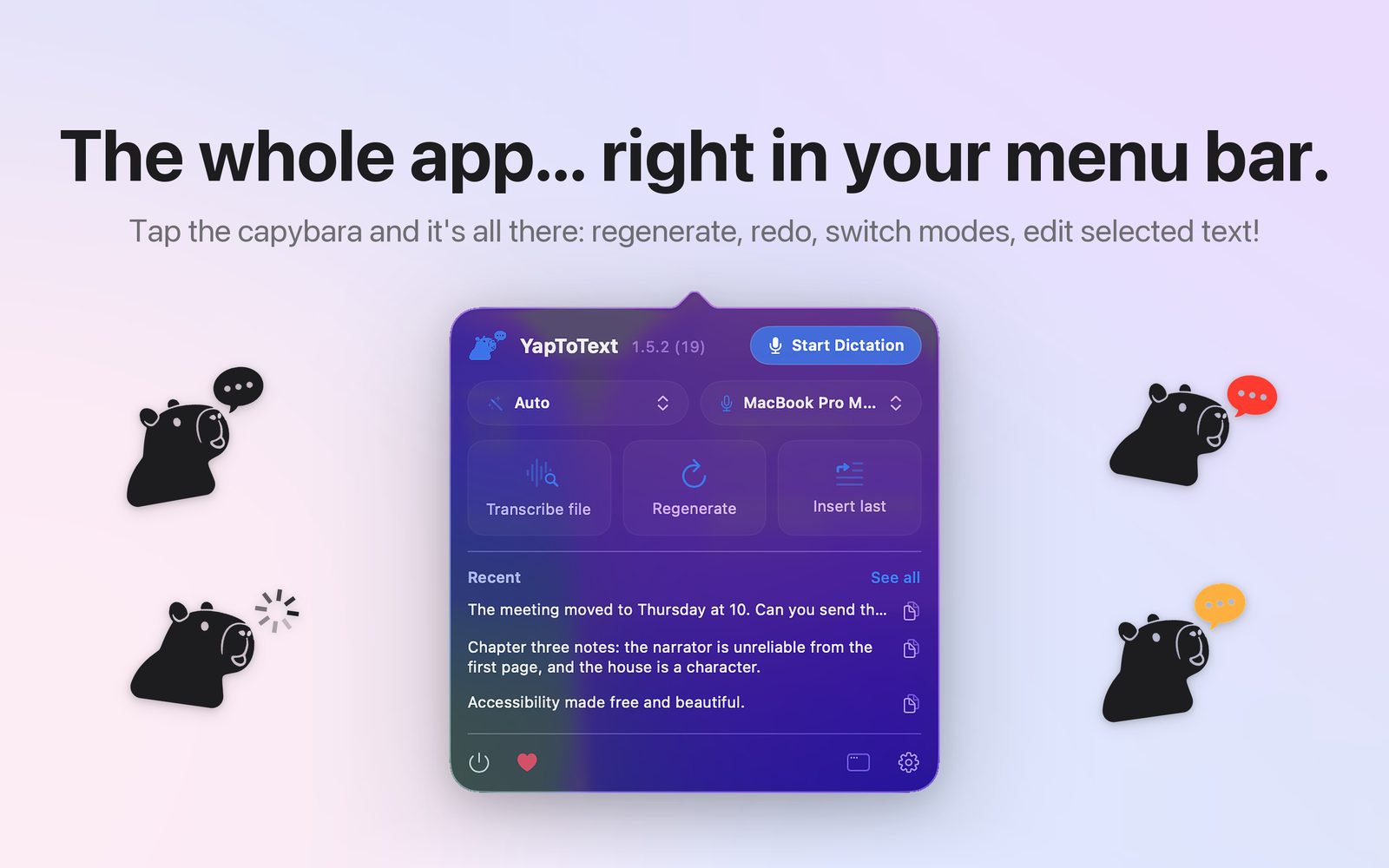
| Current version | 1.5.3 (21) on the App Store; 1.5.2 (19) on GitHub and Homebrew |
| Size | About 2.9 GB from the App Store; about 12 MB from Homebrew, without models |
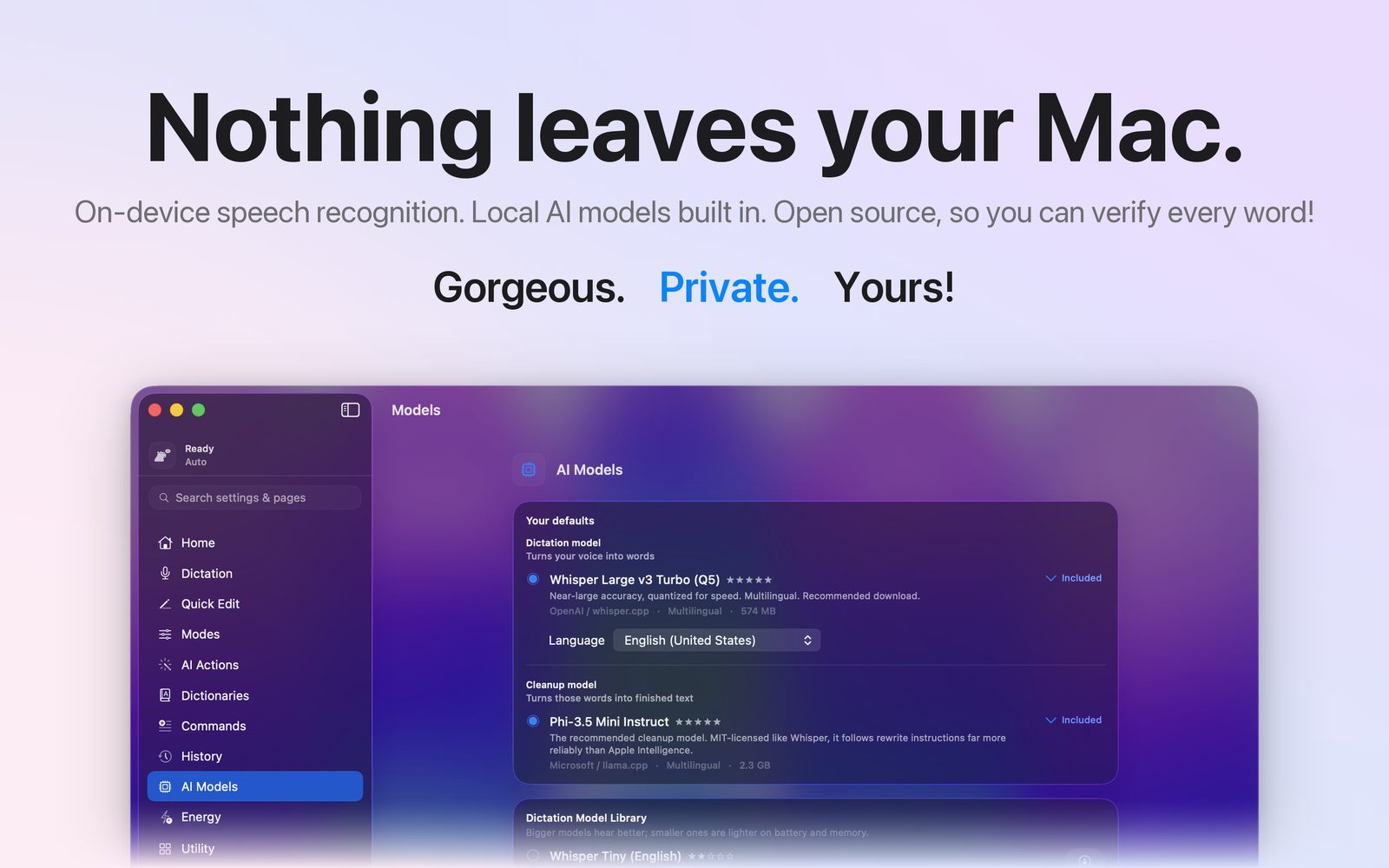
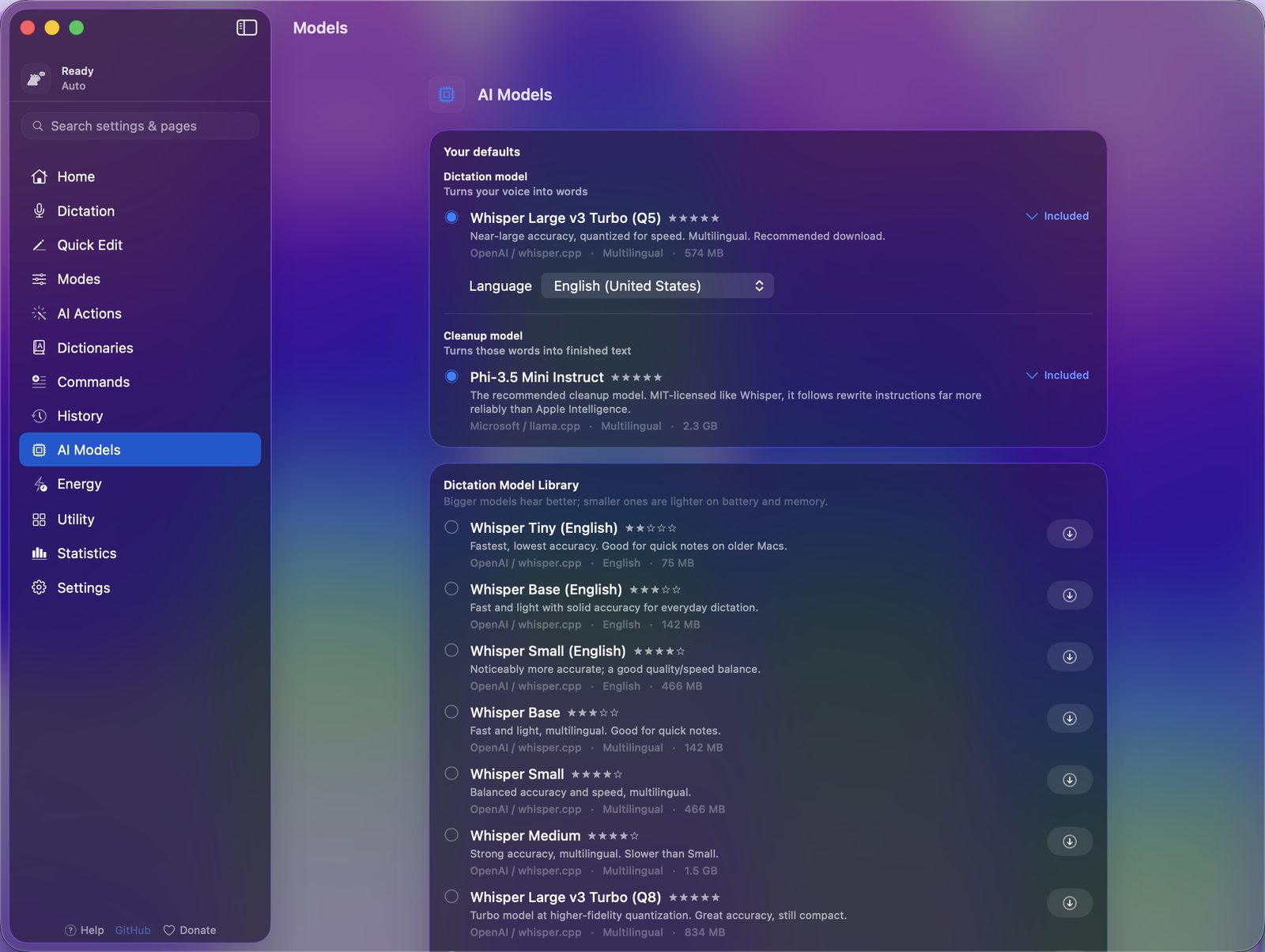
| Speech model | Whisper Large v3 Turbo (Q5), 574 MB, on device |
| Cleanup model | Phi-3.5 Mini Instruct, 2.3 GB, on device |
| Speech languages | 29, plus auto-detect |
| Interface language | English |
| Account, analytics, tracking | None |
| Network use | Only a model download you start yourself |
| Source | github.com/ryleighnewman/YapToText |
The about page carries the same table, and the pricing page says what free means.
Icon and screenshots
- App icon. 1024 px PNG, 512 px, 256 px.
- Social card. card.jpg.
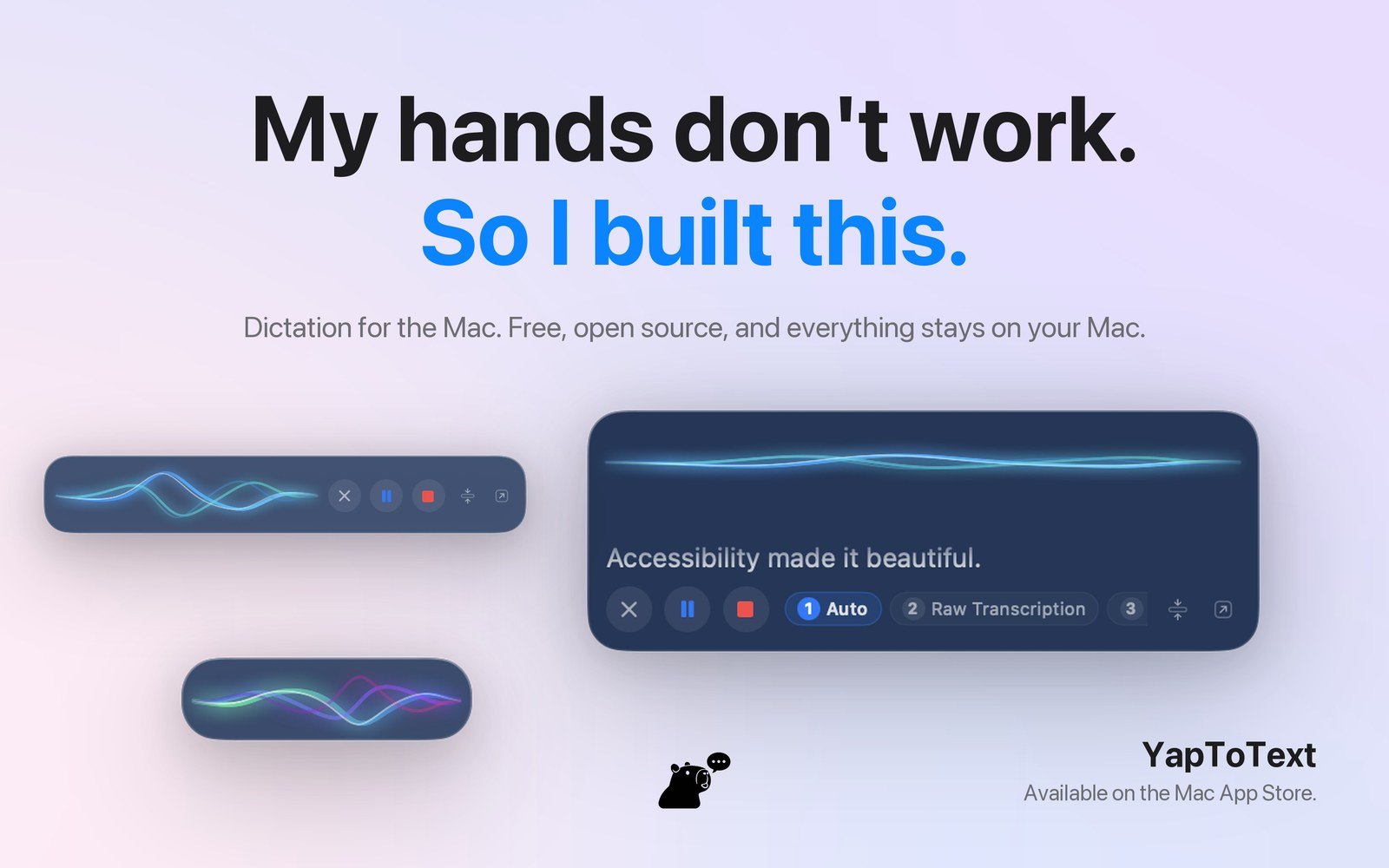
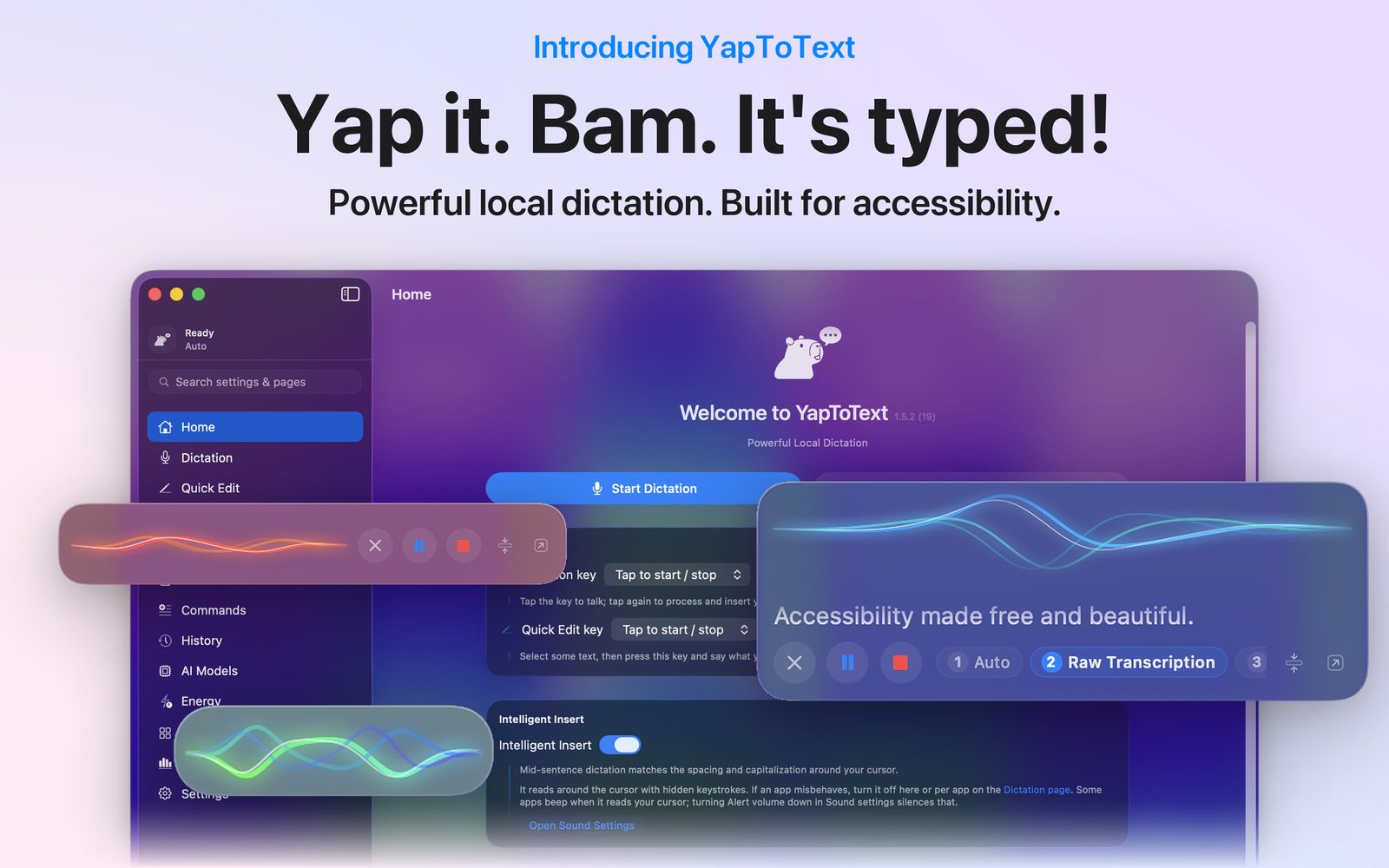
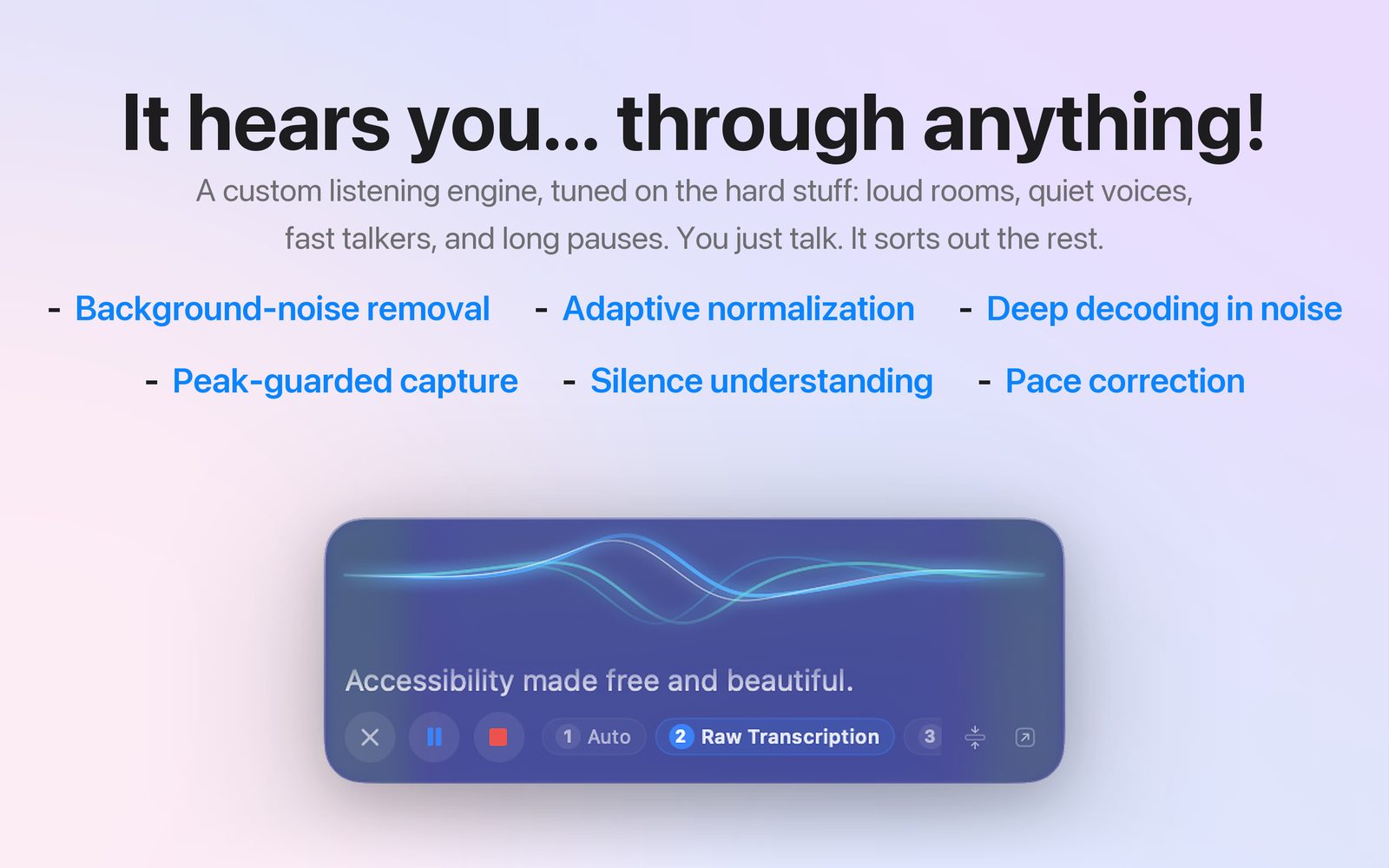
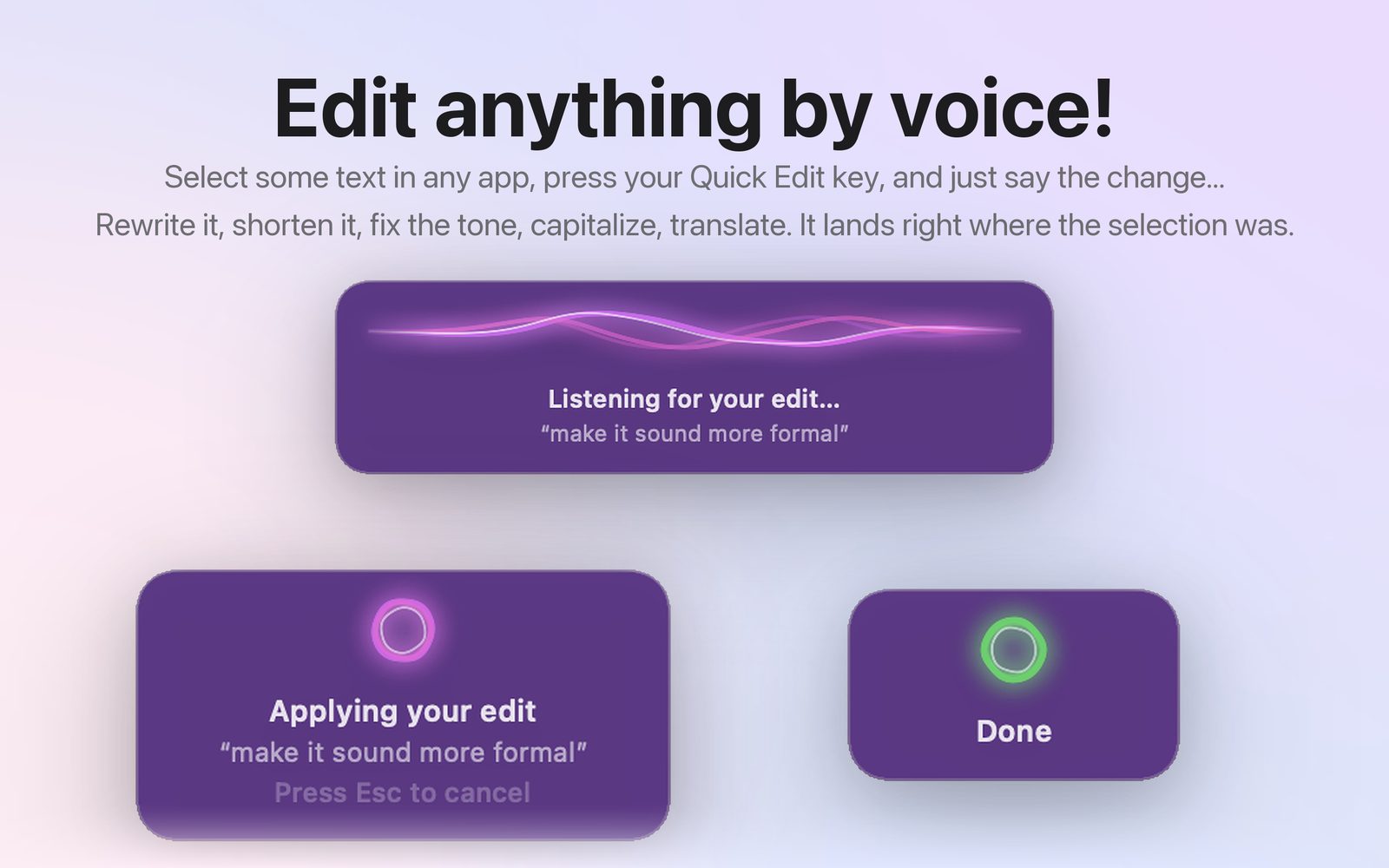
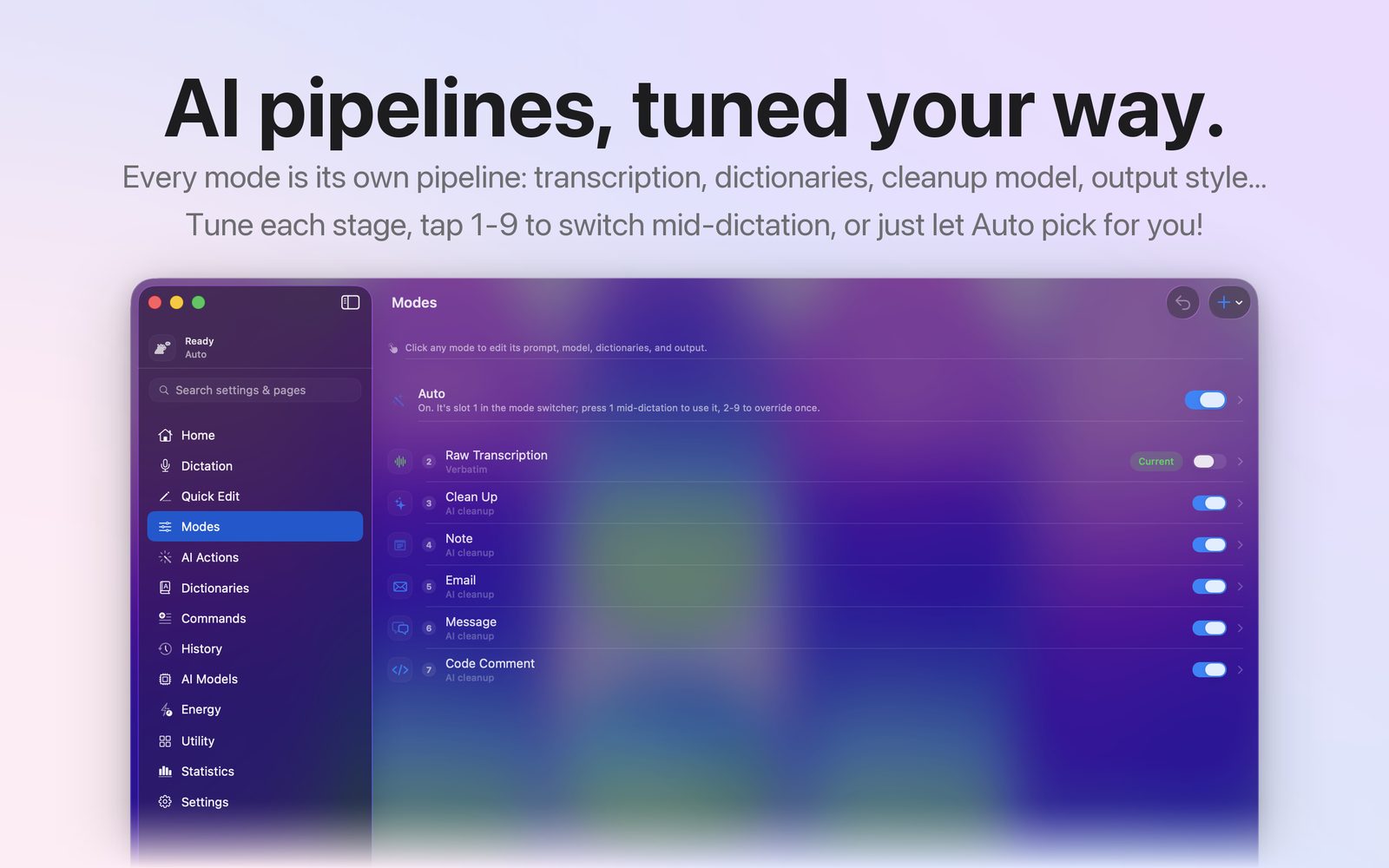
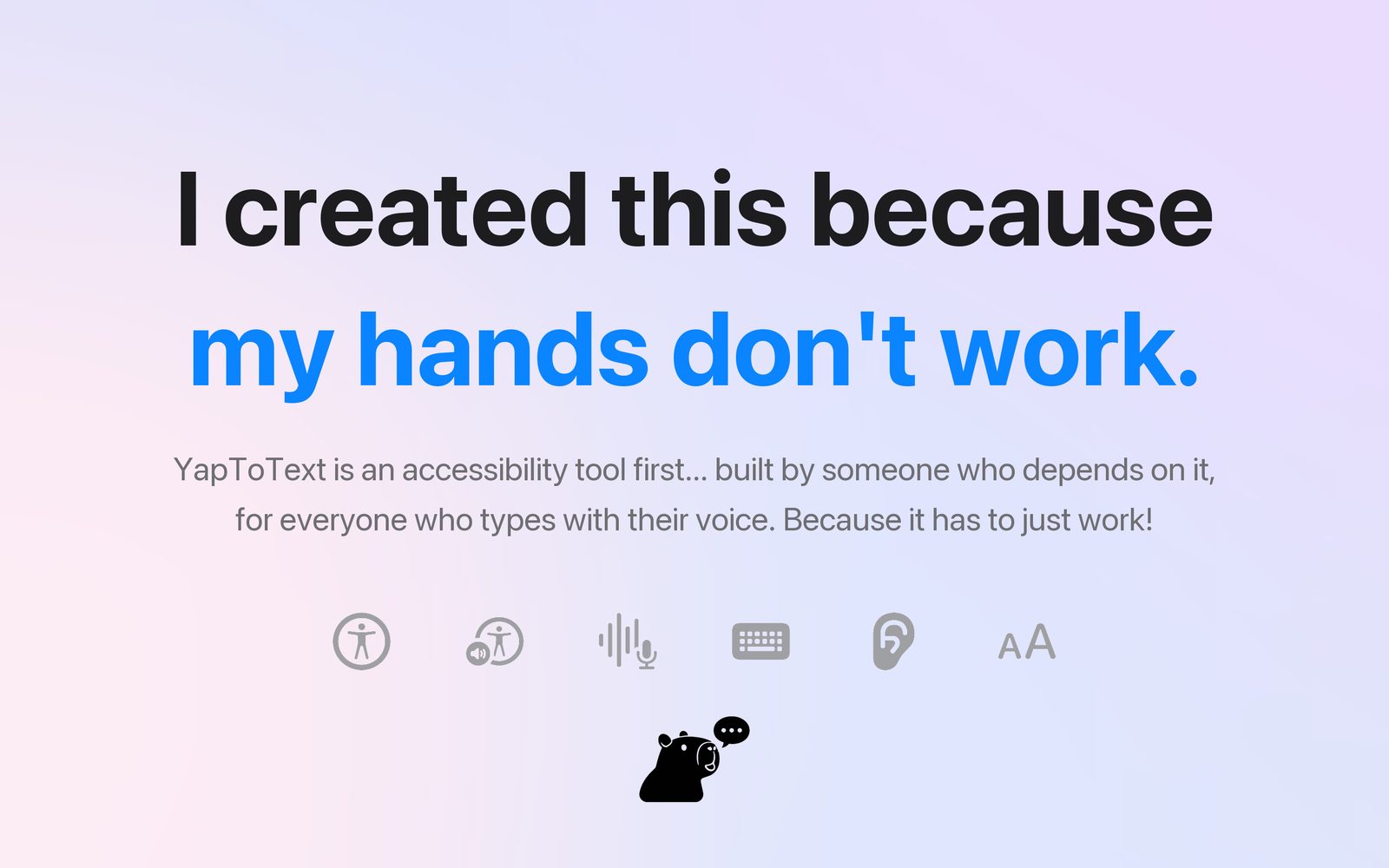
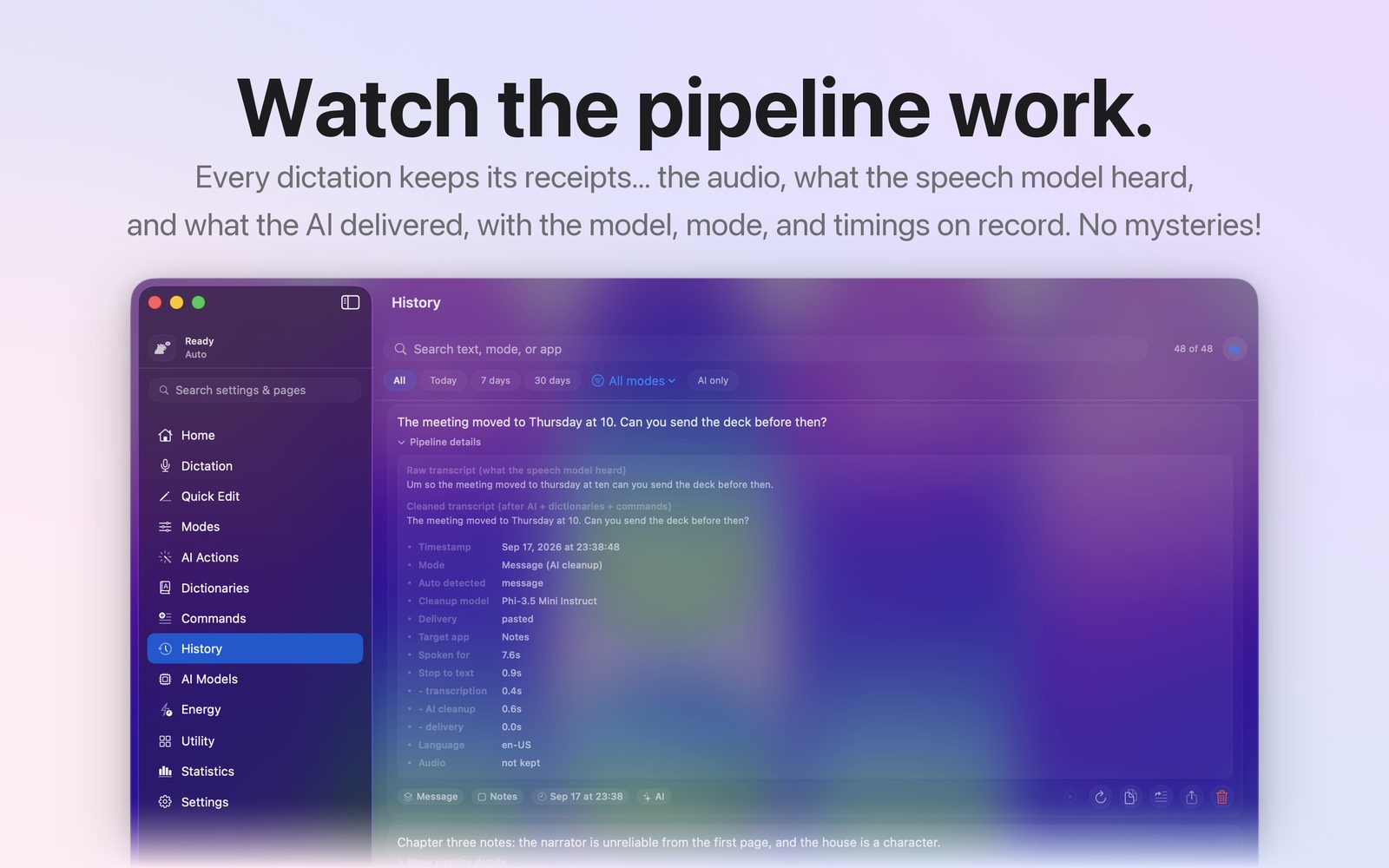
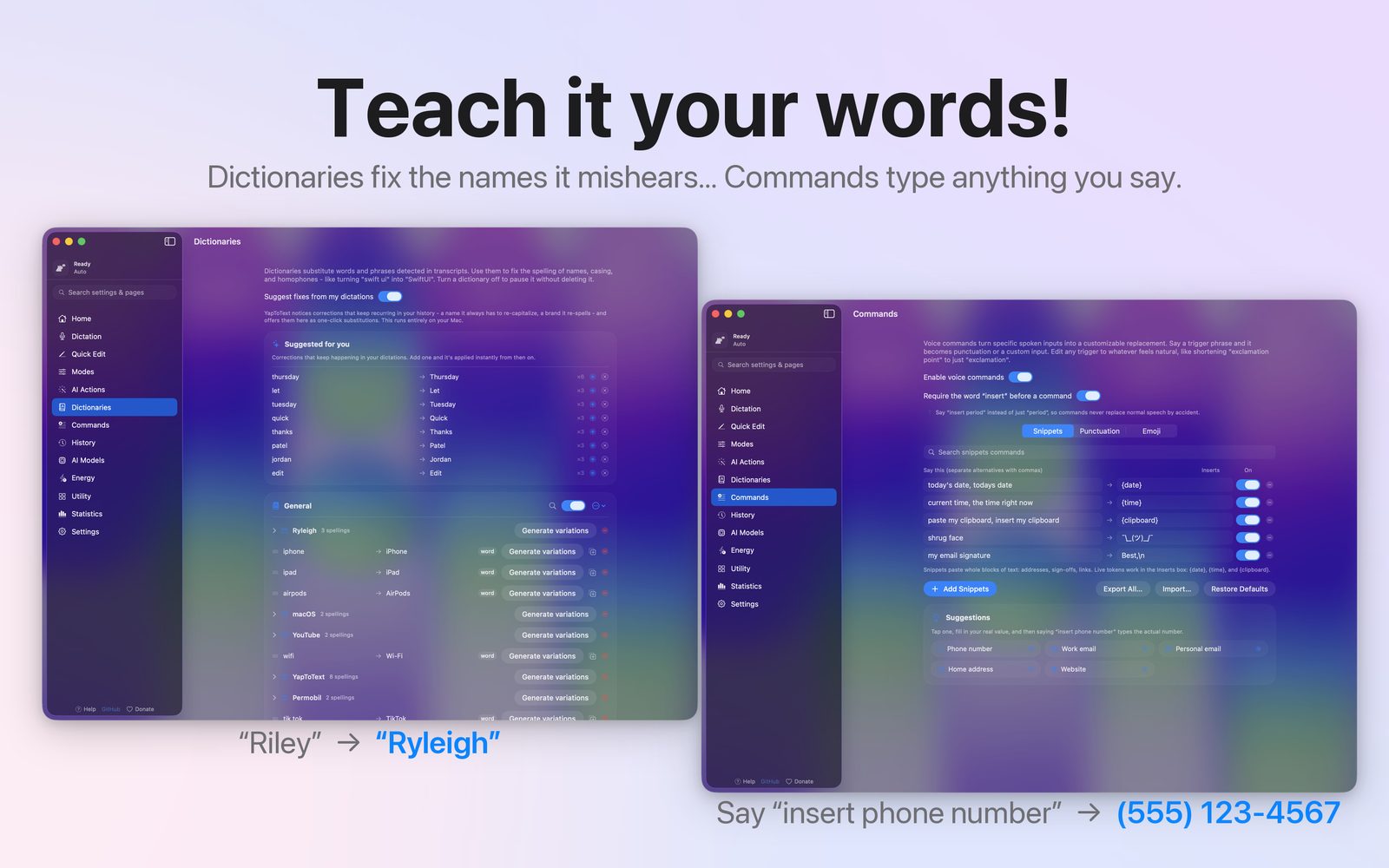
- App Store posters. hero, listening, Quick Edit, modes, privacy, why it exists, menu bar, pipeline, your words.
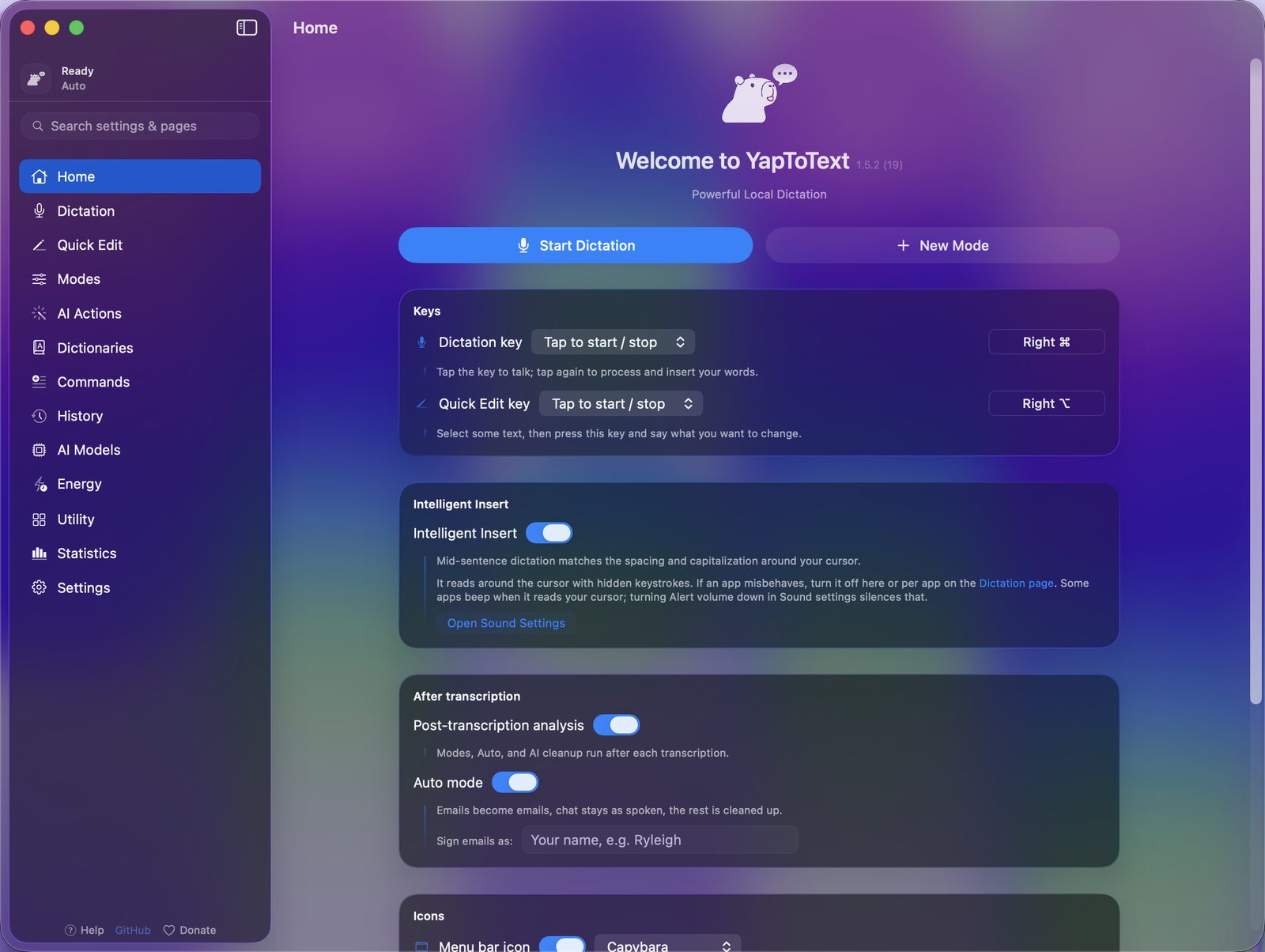
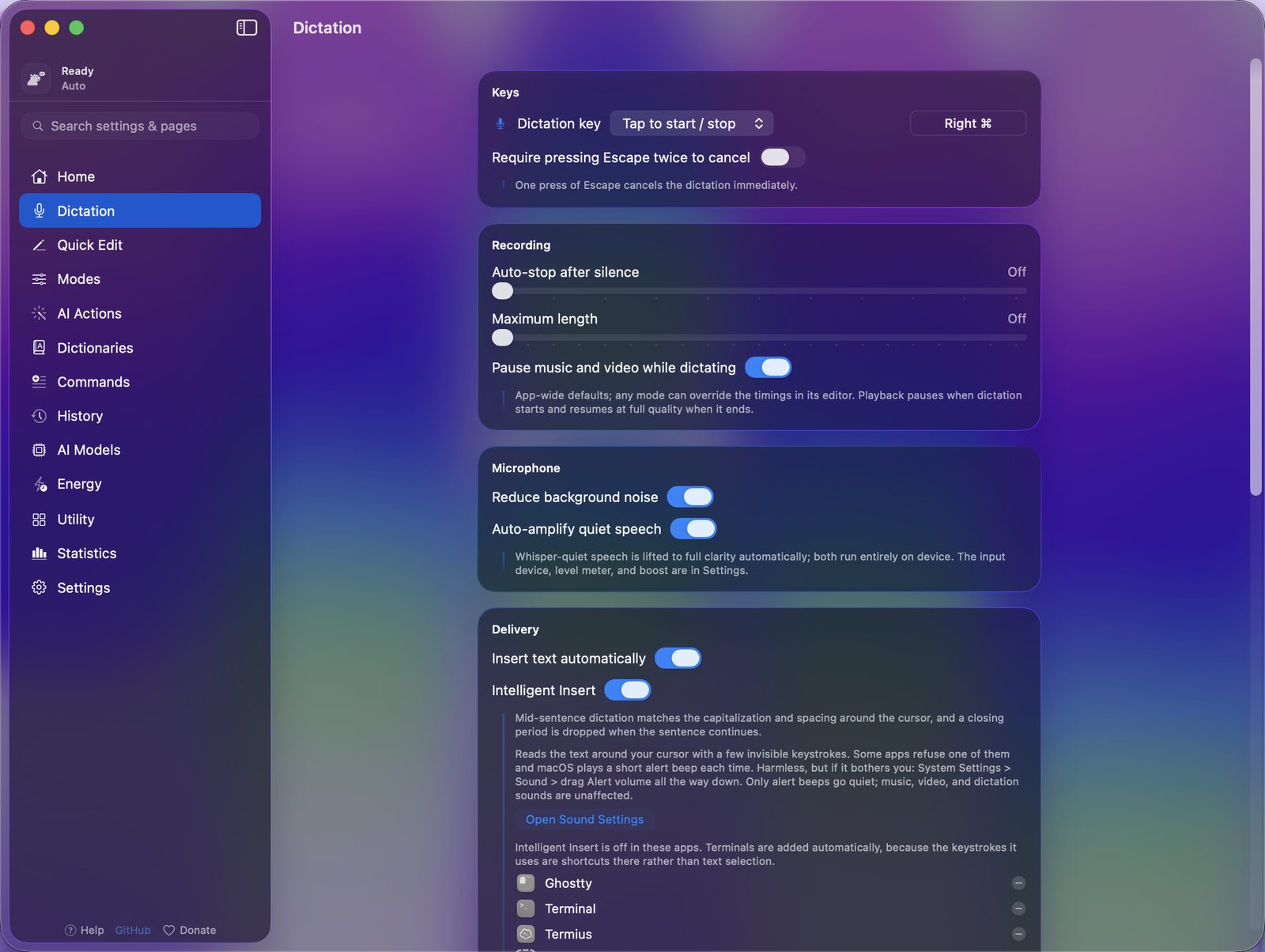
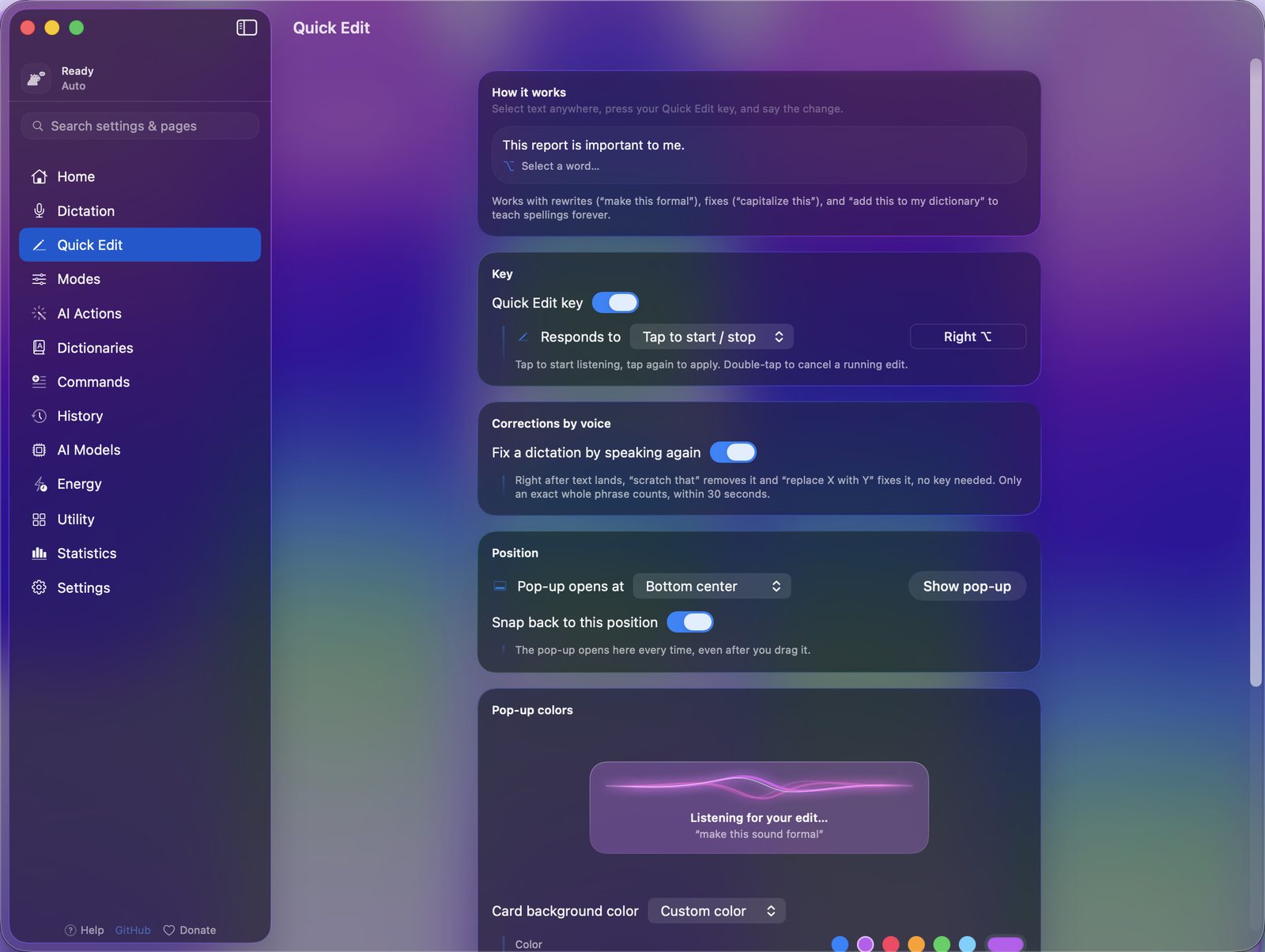
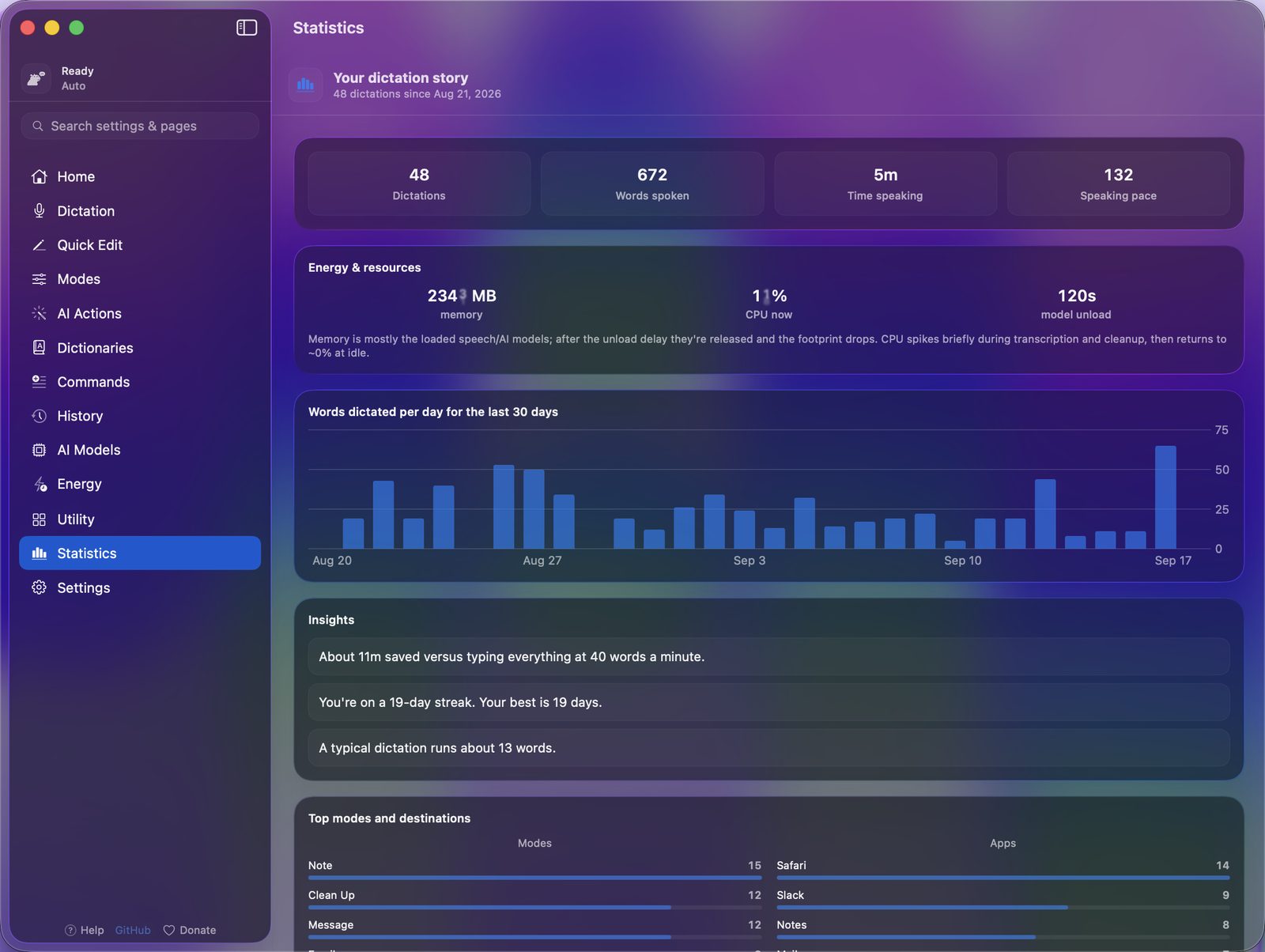
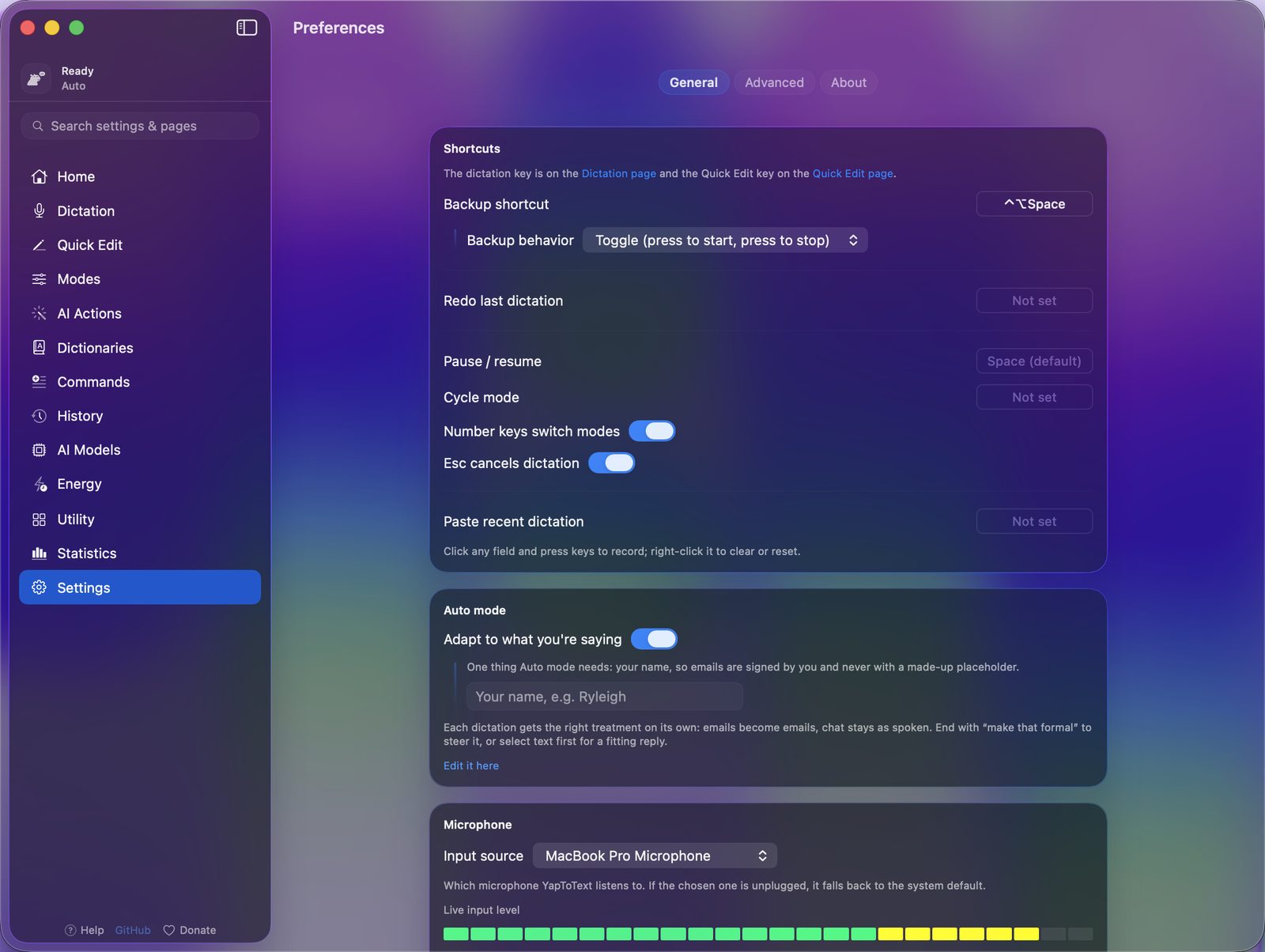
- Screenshots of the app. Home, Dictation, Quick Edit, Modes, Dictionaries, Commands, History, AI Models, Statistics, Settings.
- Everything in one file. yaptotext-press-kit.zip.
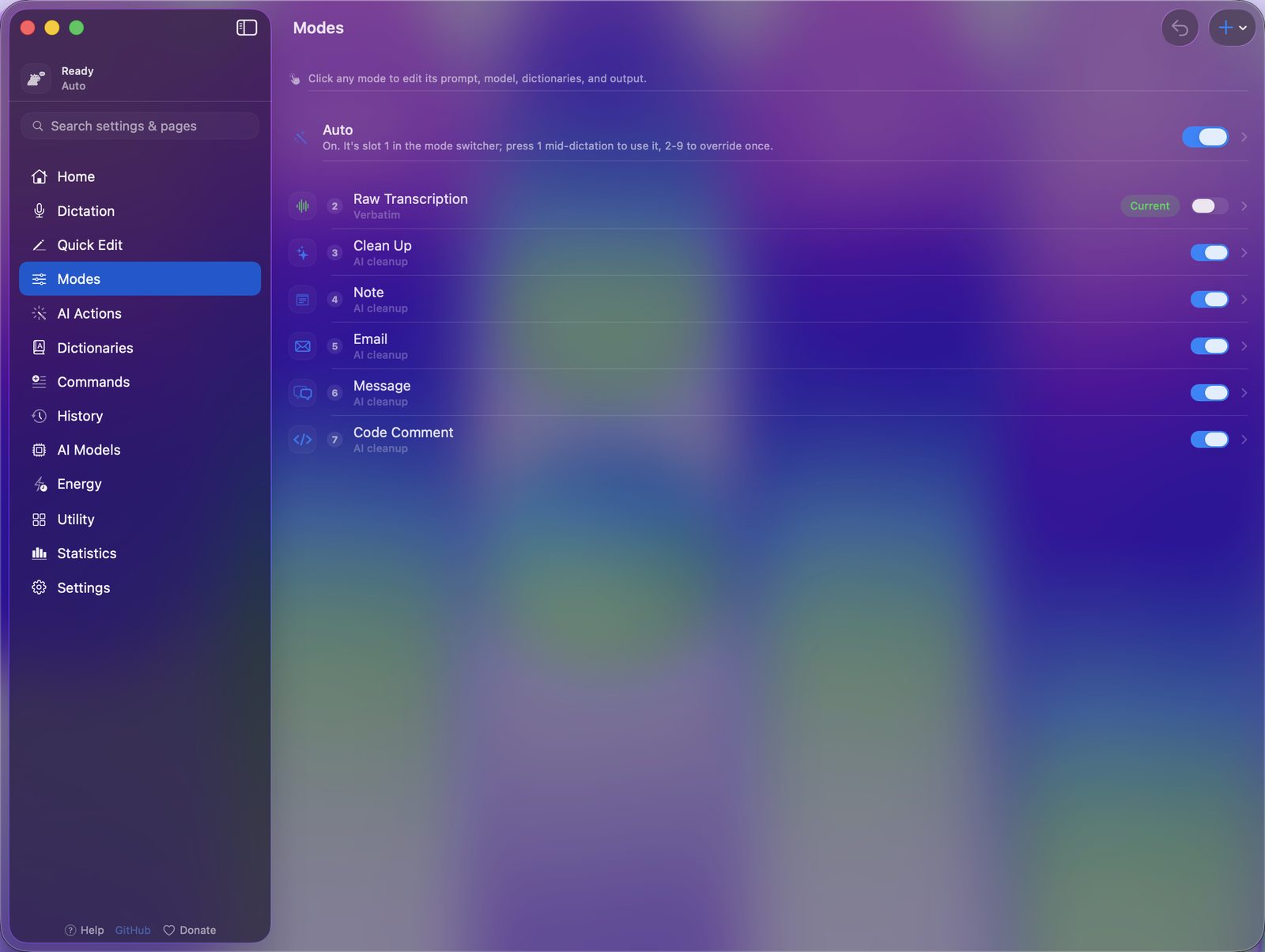
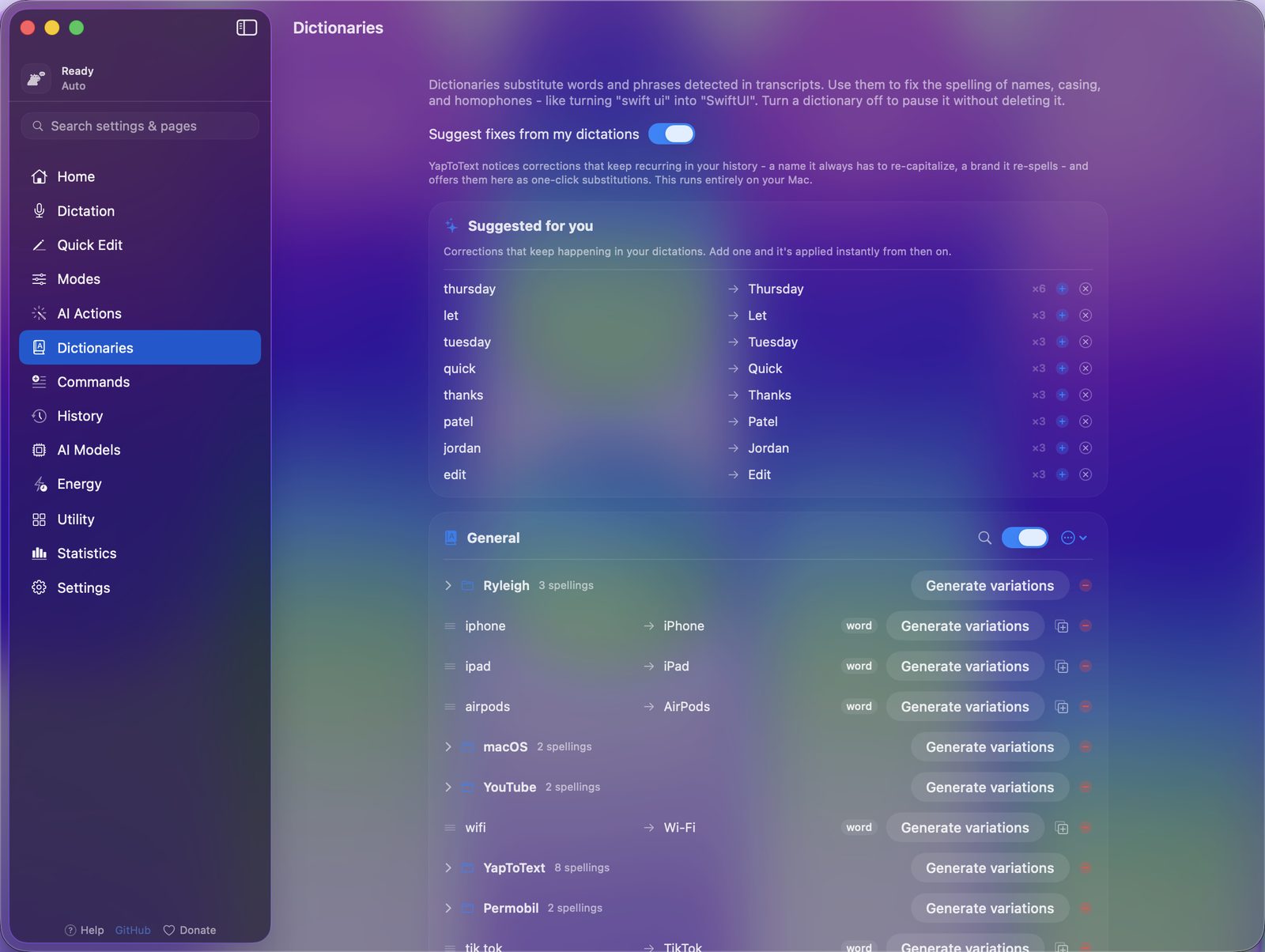
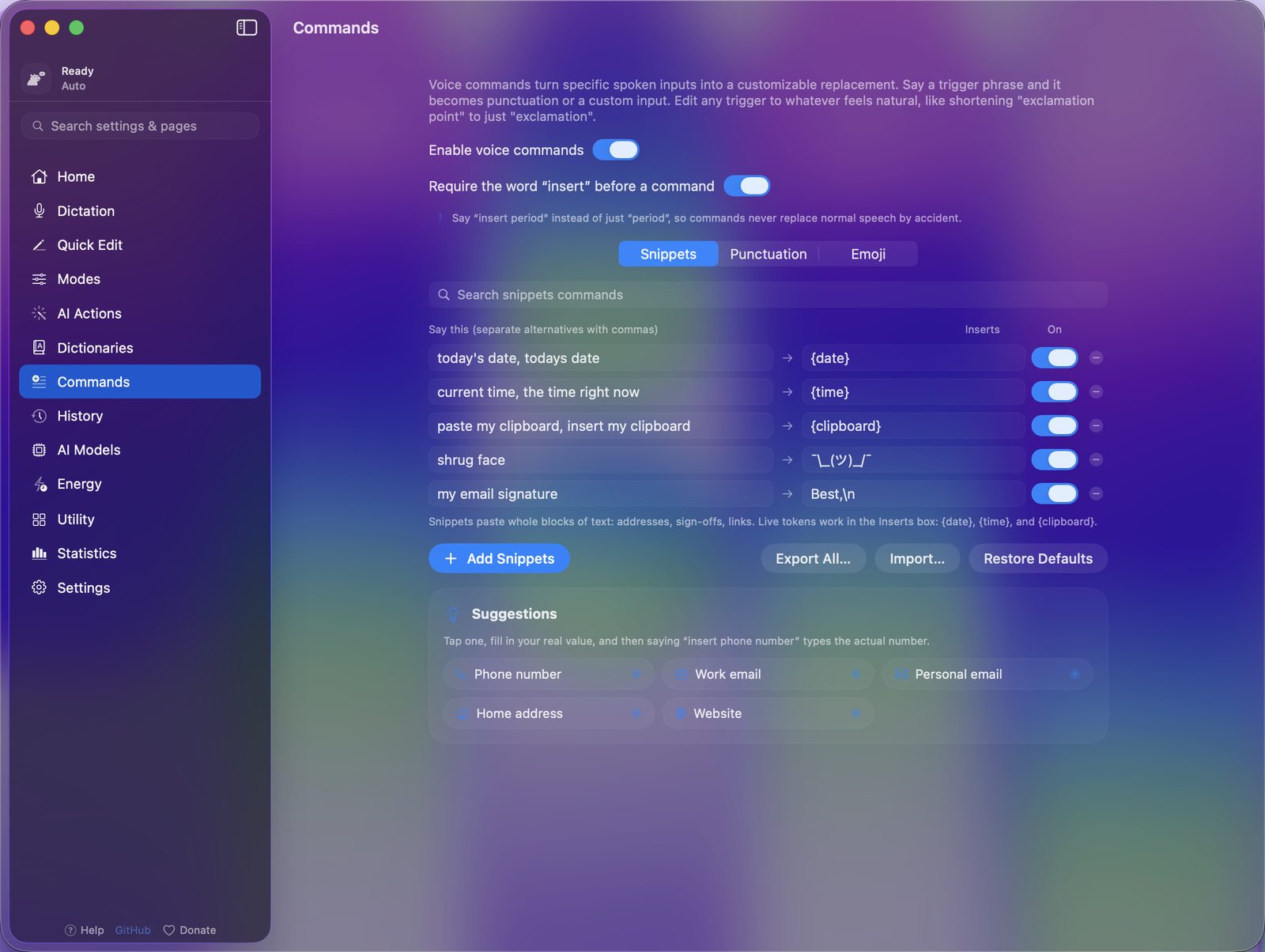
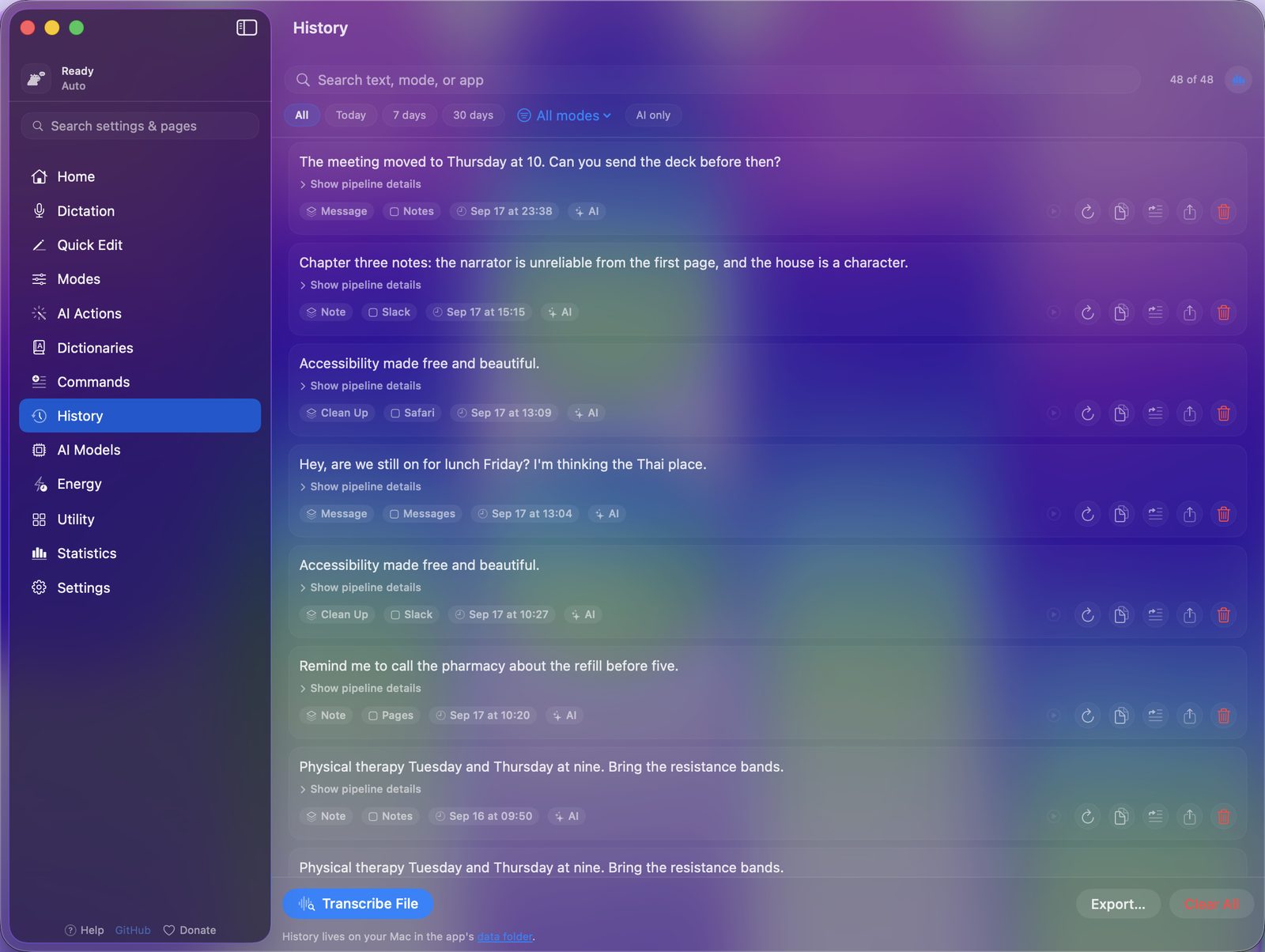

How to write the name, and what not to say
- The name. YapToText, one word, capital Y, T and T.
- The models. The speech model is the stock Whisper Large v3 Turbo (Q5) from whisper.cpp, not a custom or fine-tuned one. The cleanup model is Phi-3.5 Mini Instruct. Apple Intelligence is an optional cleanup choice on macOS 26, not the default.
- Privacy. It runs on device, and your voice never leaves the Mac. The only network use is a model download the user starts.
- Numbers. There are no accuracy or speed figures to quote, and no App Store rating yet. The History page in the app shows each dictation's own stop-to-text time.
- Macs. Apple silicon only, macOS 14 or later. No Intel, iPhone, iPad or Windows version.
- Hardware. Anything that presses one key can be the trigger, but I have not tested every switch interface.
Contact
Bugs, questions and interview requests go to GitHub issues, and every one gets read. If you do not use GitHub, my contact page has an email address.
The short version
- What it is. A free, open-source, on-device dictation app for Apple silicon Macs, on the Mac App Store.
- Images. The icon, the posters and the screenshots, linked above, or one zip.
- Facts. The table above.
- Contact. GitHub issues, or the contact page.
Download for free. No account, nothing locked, macOS 14 or later on Apple silicon. Source on GitHub.
Related
Sources
- https://apps.apple.com/us/app/yaptotext/id6786382289 (checked 2026-10-05)
- https://github.com/ryleighnewman/YapToText (checked 2026-10-05)
Questions
Is there a review copy of YapToText?
The app is free on the Mac App Store with nothing locked, so there is nothing to request. Install it and use every feature.
Who makes YapToText?
Ryleigh Newman, one developer whose hands make typing difficult. I built it because I needed it, and I dictate with it every day.